

The Great Book Harvest – Fall Posters
November 13, 2025
Rizzed up December Posters
December 13, 2025Celebrate STEM with Alexandria

Build A Bridge to STEM Library Learning
STEM #1
Want to share the Best Of Best STEM Sites for your classrooms, library, and whole district, create the panes of blessed sites and share by URL, by Search page, or by Bulletin Board?
Library Benefit?
Helps ALL educators embrace STEM leaning and readily integrate it into you curriculum.
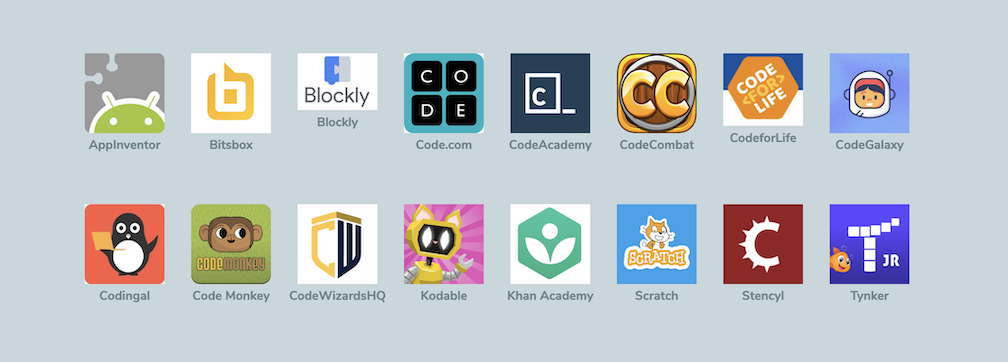
Solution: Share CODING Sites on Explore Panes
Want to add more? Add an arrow and continue adding more coding sites on a new pane.
Download Now >> Open /ExploreBuilder >> Click the COG >> Select Import >> Select the file >> Confirm OK >> Further Customize as Needed >> Enjoy!
You have 5 actions available for each icon. You can use this Explore Pane to create lessons and activities on Bulletins.
STEM #2
Want to share GREAT STEM BOOKS districtwide—with ideal ease of sharing from your library?
Library Benefit?
Help ALL kids get excited and find their favorite STEM BOOKS to boast and share with other readers.
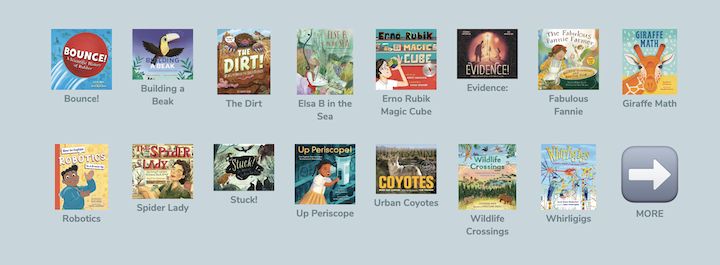
Solution: BEST BOOKS can be shared in a single URL, checked out, shared as a bookshelf on Browse, added to Bulletins, and launched as a Slideshow.
Want to add more? Add an arrow and continue adding books on a new pane.
Download Now >> Open /ExploreBuilder >> Click the COG >> Select Import >> Select the file >> Confirm OK >> Further Customize as Needed >> Enjoy!
You have 5 actions available for each icon. You can use this Explore Pane to create lessons and activities on Bulletins.
STEM #3
Want to Create Awesome STEM to Book to real world Experiences—& help kids love science?
Library Benefit?
Expand Book Experiences BEYOND the Library and Classroom.
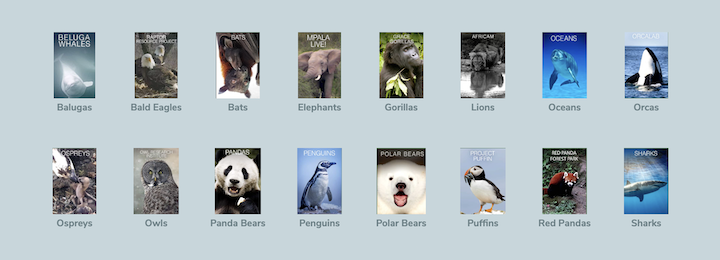
Solution: Live Cam Animal Experiences on a Shareable Explore Pane
Want to add more? Add an arrow and continue adding live cam experiences on a new pane.
Download Now >> Open /ExploreBuilder >> Click the COG >> Select Import >> Select the file >> Confirm OK >> Further Customize as Needed >> Enjoy!
You have 5 actions available for each icon. You can use this Explore Pane to create lessons and activities on Bulletins.
STEM #4
Want to share Science STEM Videos to support classroom teachers—& help kids love science?
Library Benefit?
Add a Little STEM Lift to Lessons and inspire kids to enjoy research.
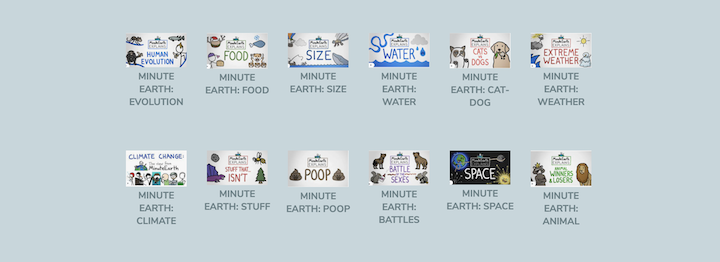
Solution: Share clickable videos on a Shareable Explore Pane
Want to add more? Add an arrow and continue adding science experiences on a new pane.
Download Now >> Open /ExploreBuilder >> Click the COG >> Select Import >> Select the file >> Confirm OK >> Further Customize as Needed >> Enjoy!
You have 5 actions available for each icon. You can use this Explore Pane to create lessons and activities on Bulletins.
STEM #5
Want to Create TedEd Voice and Choice lessons for subs—& help kids love science?
Library Benefit?
Becomes great Library Sub activity in group or independently.
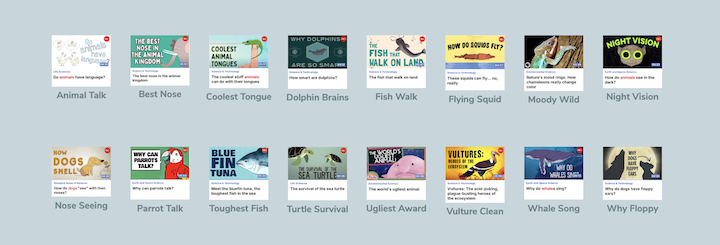
Solution: Collect Lessons that enhance book leaning on a shareable Explore Pane
Want to add more? Add an arrow and continue adding more TedEd experiences on a new pane.
Download Now >> Open /ExploreBuilder >> Click the COG >> Select Import >> Select the file >> Confirm OK >> Further Customize as Needed >> Enjoy!
You have 5 actions available for each icon. You can use this Explore Pane to create lessons and activities on Bulletins.
STEM #6
Want to create Schoolwide or Distictwide STEM Book Experiences shift to Bulletins and feature all of these options in once place—& help kids love science?
Library Benefit?
Take you 'ALL kid scientists inspiration' to the entire grade, school or district in a single URL sharing.
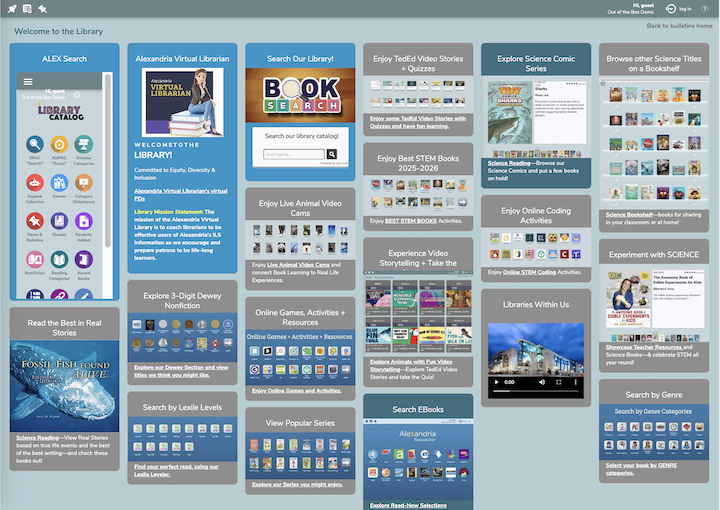
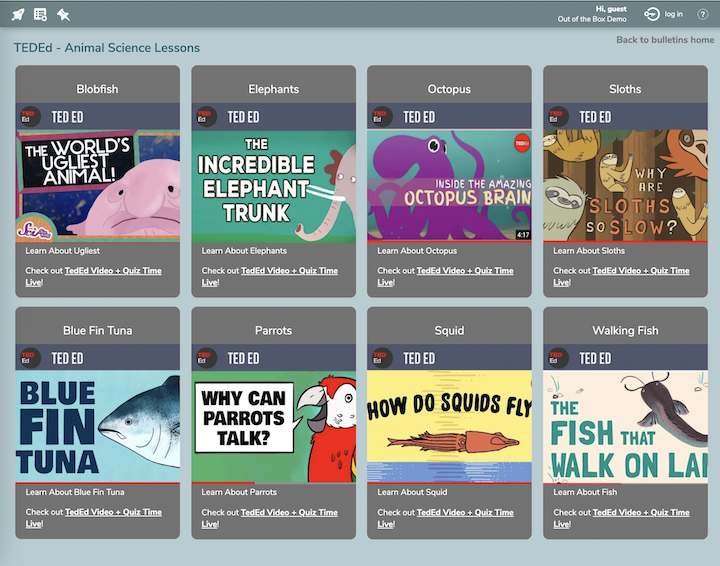
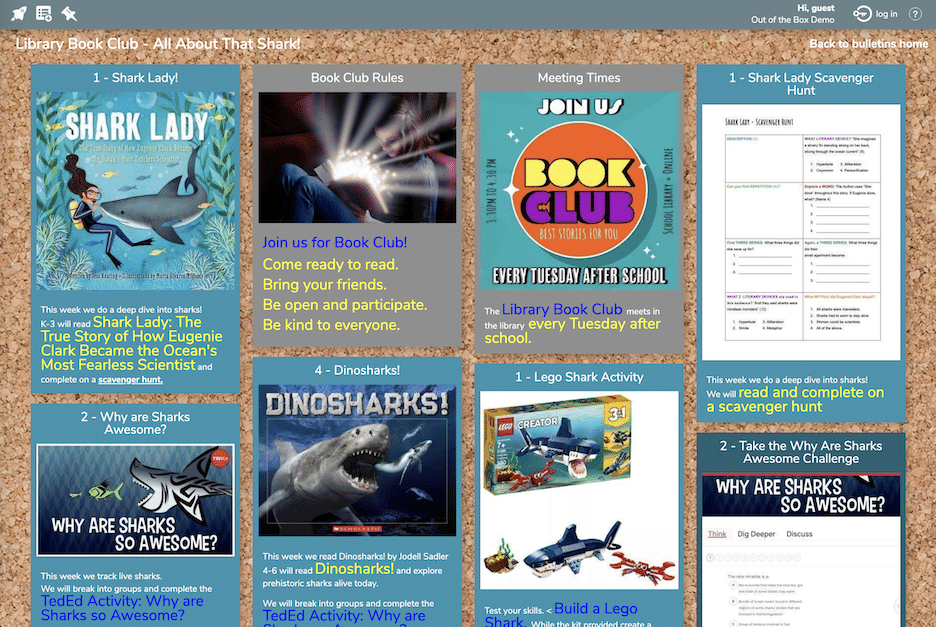
Solution: Bulletin Board these Animal Experiences and add in common Formative and Summative Assessments on Shareable Bulletin Boards.
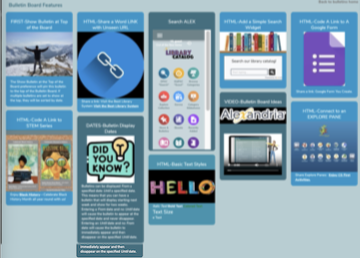
Want to do even more? Create a Bulletin that features the many ways you can add on to curriculum and program experiences.
Download Now >> Open /bulletinsbuilder >> Click the LOCK to open >> Further Customize as Needed >> Enjoy!
You have features to use to create Bulletin Board lessons and activities.
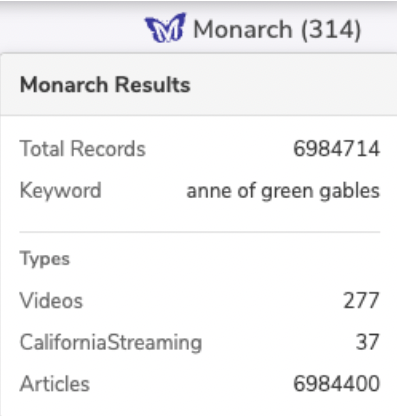
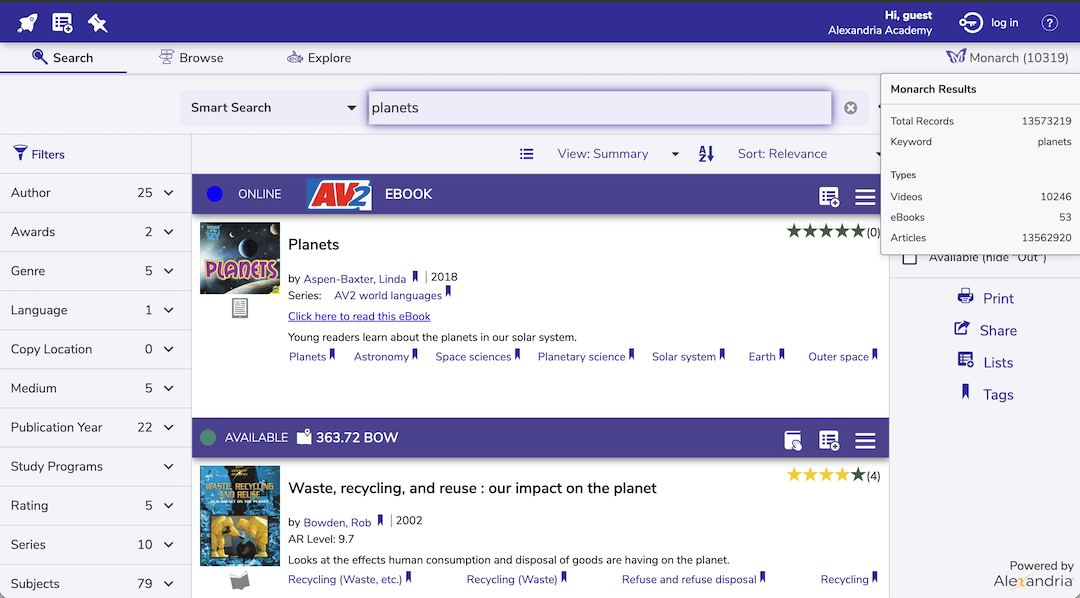
Want one great ALEX 'Search Without Limits' option?

Your Search Without Limits
Monarch is a unique, K-12 content discovery engine that creates secure and personalized digital search environments for your students & teachers, igniting lifelong learning for generations to come.
QUICK DEMO VIDEO
Want to More ALEX Customization?
Hello! I'm your  Virtual Librarian.
Our commitment to library advocacy and student success now goes beyond our 24/7/365 Live Support. Our "Virtual Librarian" is actually REAL librarians, ready to meet with you virtually to enhance your skills, knowledge and abilities with Alexandria. In these personalized professional development sessions you'll learn how to create patron experiences without limits: engaging readers, supporting teachers, improving searchability, expanding access to you collection, and more!