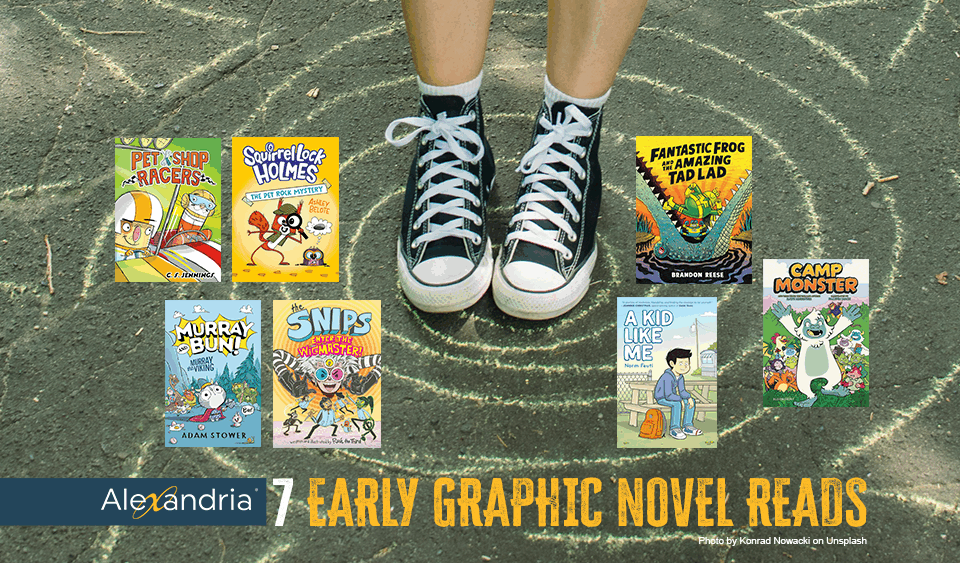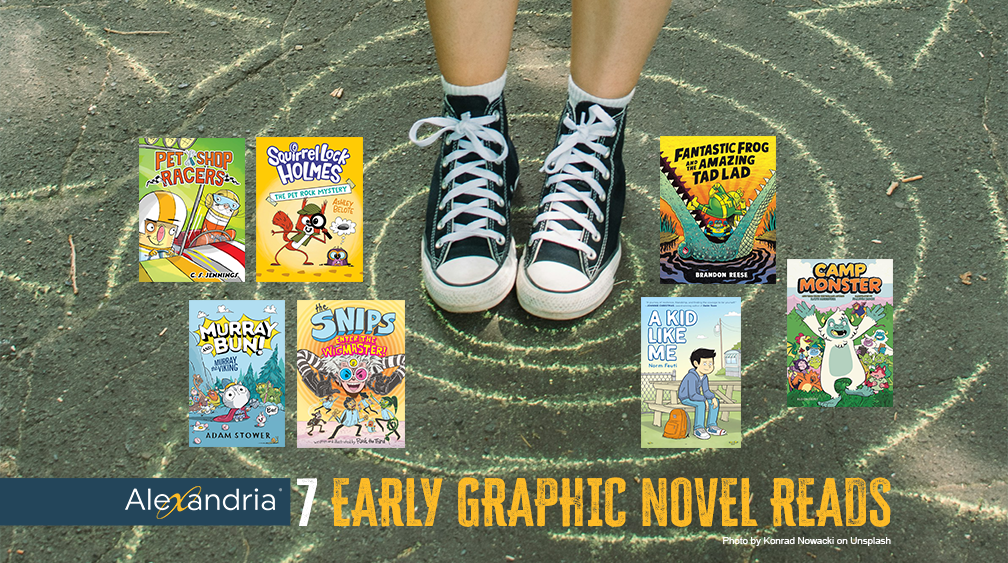

7 Graphic Novels for Gr 3-7 for Your ALEX Library
January 18, 2026
2026 ALA Award-Winners List + FREE Award-Book Explore Pane
January 26, 2026Show Off Your Books in Slideshows in Seconds
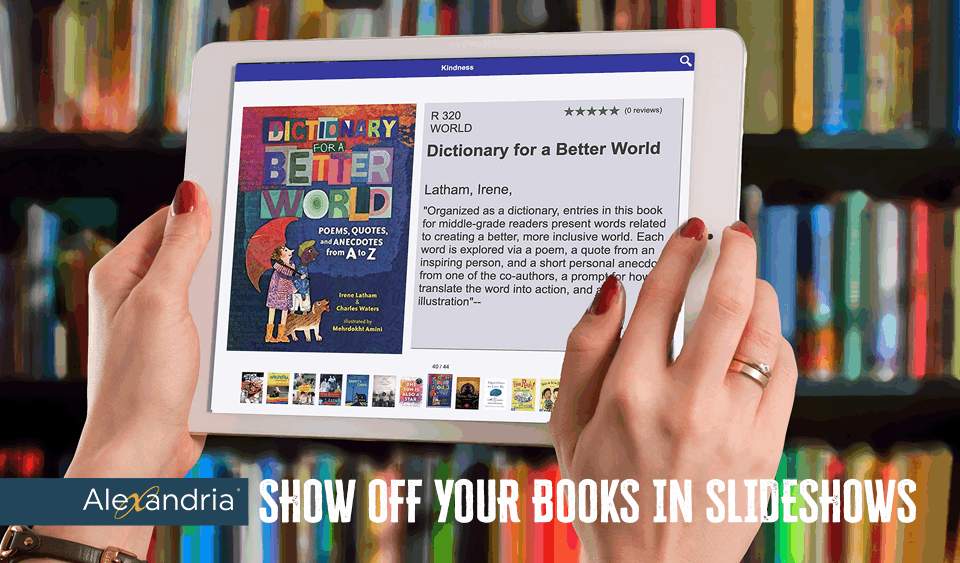
Boost & Boast About Your Books in Seconds in Alex
1.
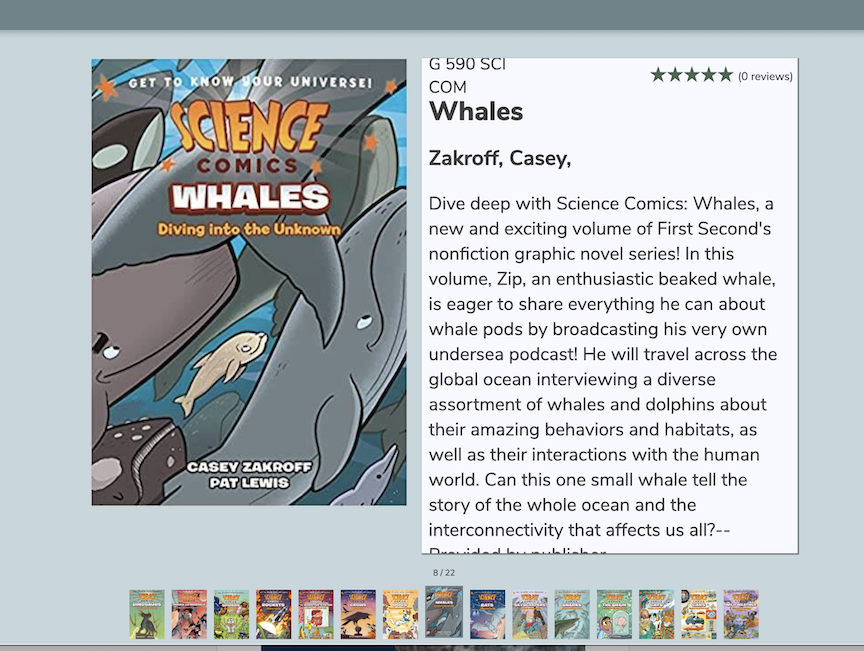
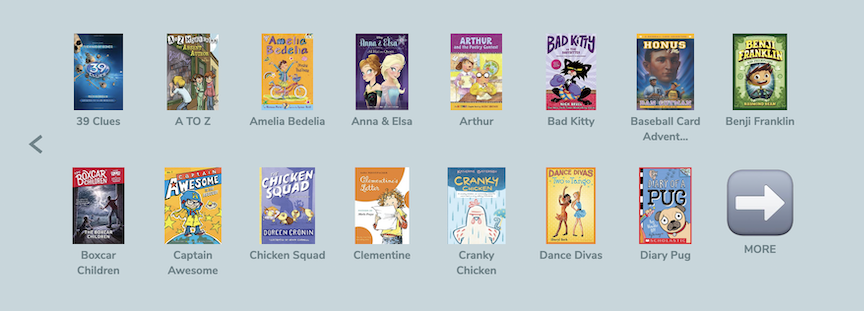
Showoff A Series
Learn how to code ALEX Slideshows using Search-Strings:
1) To search for series: ((series::name of series))
2) Go to /Builder >> /Slidehows
3) Place the above code in the search area & copy the URL slideshow code.
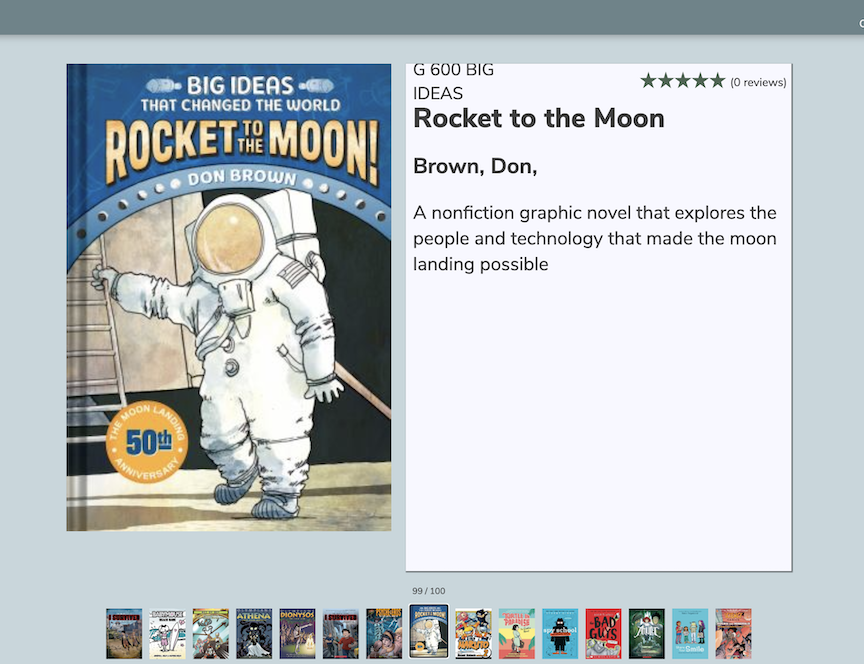
4) Then, Click to view slideshow (this is also a sharable link you can add to an Explore Pane or share with teachers.)
2.
Share Pub Categories
You Can Create A Whole Pane of Slideshows to click and share in seconds.
1.) Go to /Explore Builder and create a new Explore Pane.
2) Follow the above steps but code your slideshows using smart code: ((smart::picture_books)), ((smart::chapter_books)), etc.
3) Then share each slideshow on its own /Explore Pane icon. 4) Example Pane with each link a slideshow.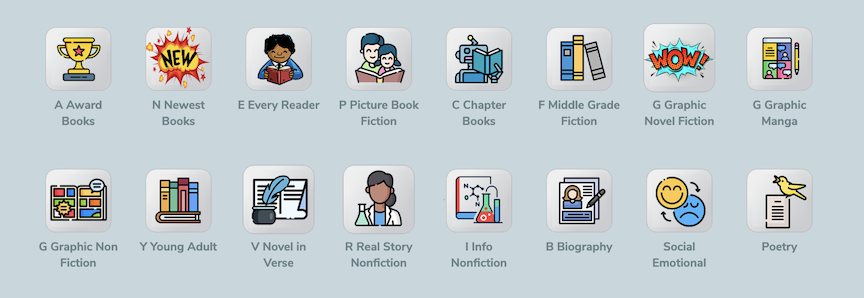
3.
Genrefy Your Slideshows in Seconds
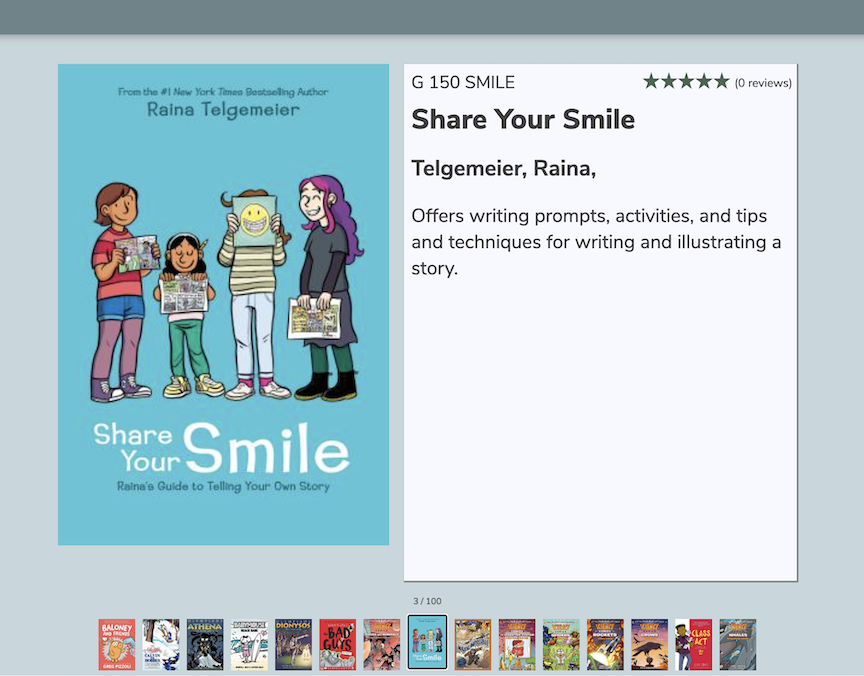
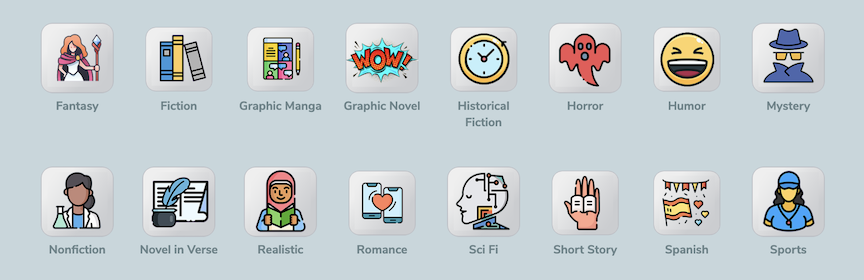
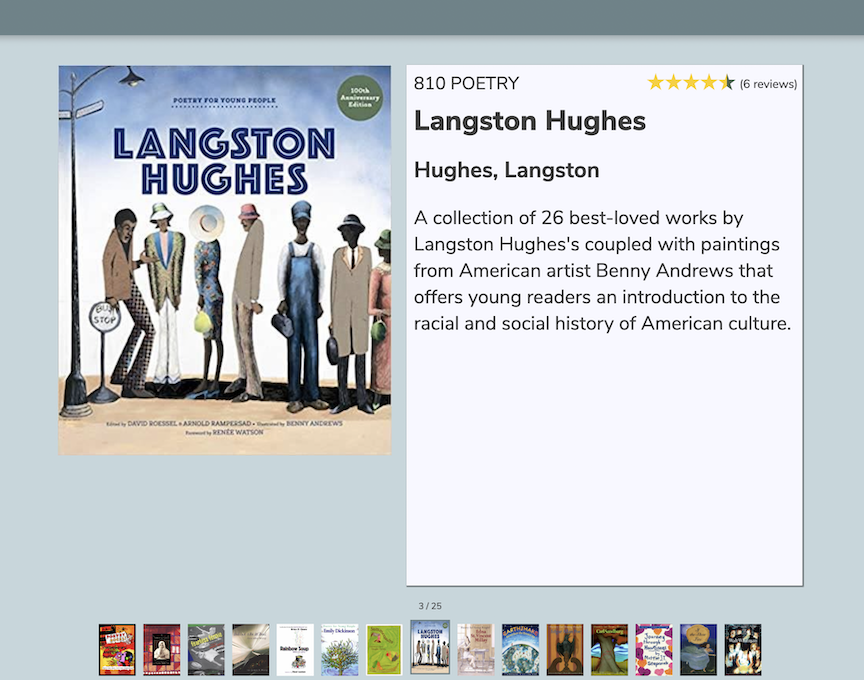
No need to move your bookshelves or your books! That's a huge chore. You can tech shift instead and present books by Genre in Alex using Search Strings:1) Create your Search String code & Use Smart or Genre:((smart::Narrative_Nonfiction)) or ((smart::Real_Story_Nonfiction)), ((genre::science) && (genre::fiction))etc.2) Place this in Slideshow builder and copy the Slideshow URL. 3) Click view!
4.
Slideshow Prep Your Dewey on an Explore Pane
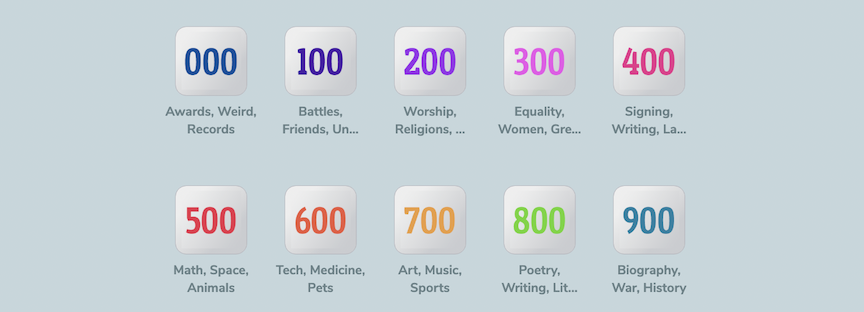
1) Create slideshows for each section of your Dewey using the Search String: ((copycallnumber::800 AAAAA--899.999 ZZZZZ)).
2) Then do this fo each section or series you'd like to feature. 3) This creates a URL linked Explore Pane you can share instantly to give readers access to the various sections of your library.5.
Share All Your Award Winning Books By Categories
Enjoy sharing your Award Book Slideshow year round, auto updates:1) Download this Explore Pane 2)Import into Your Explore Builder3) Select Icon and edit each to your Alex URL (alex.goalexander.com) and site code (code=XXXX)4) Save and enjoy sharing with patrons!
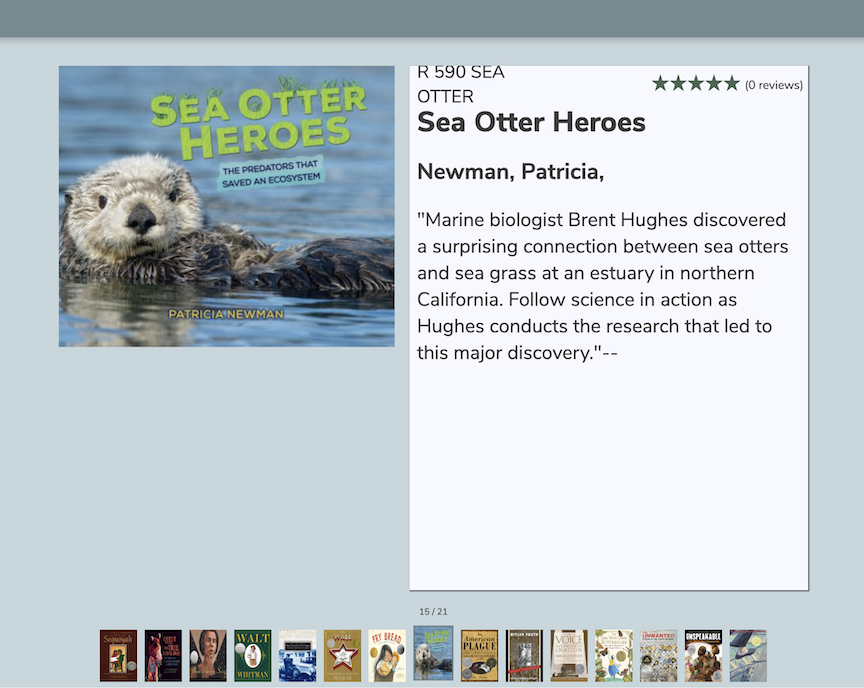
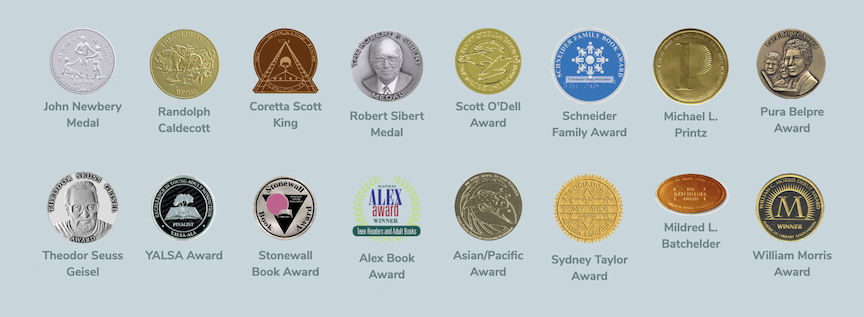
Slideshows are an excellent way to engage readers & improve circulation!
Hello! I'm your  Virtual Librarian.
Our commitment to library advocacy and student success now goes beyond our 24/7/365 Live Support. Our "Virtual Librarian" is actually REAL librarians, ready to meet with you virtually to enhance your skills, knowledge and abilities with Alexandria. In these personalized professional development sessions you'll learn how to create patron experiences without limits: engaging readers, supporting teachers, improving searchability, expanding access to you collection, and more!