

Rizzed up December Posters
December 13, 2025
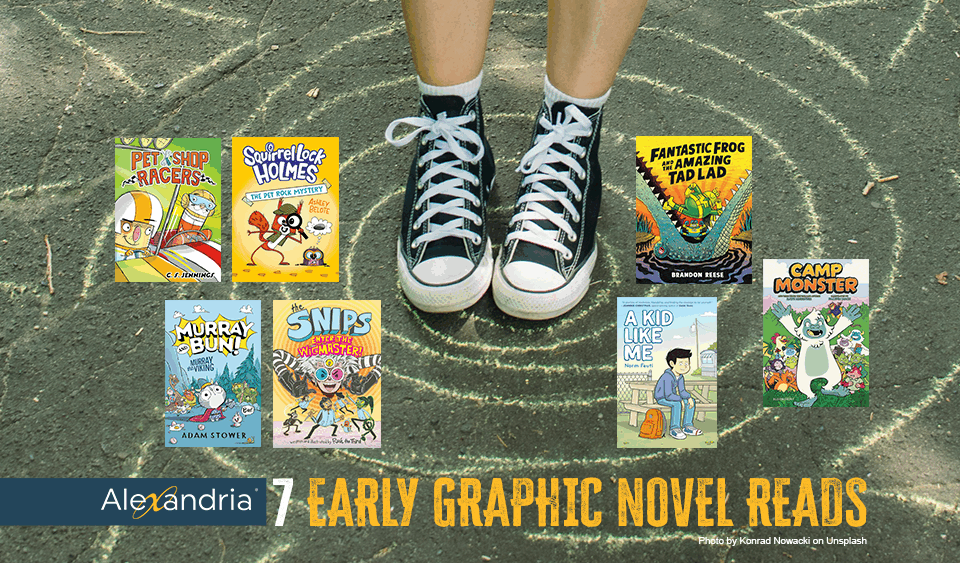
7 PURR-FECTLY POSH Reads for Your ALEX Library
January 15, 2026Add Classroom Libraries to Your Alex
1.
Share Your Class Library in ALEX
Follow these Easy Steps to integrate a Classroom Library into ALEX:
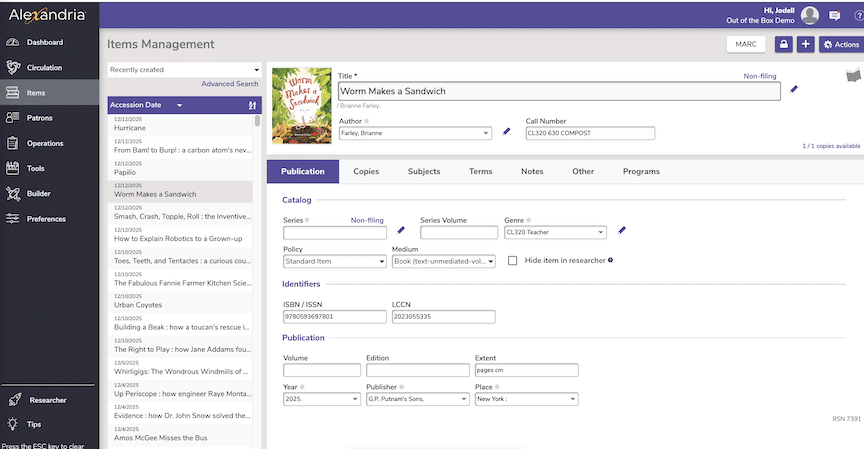
1) Identify it by Call Number CL320 [then by Shelf Call Number Identity]
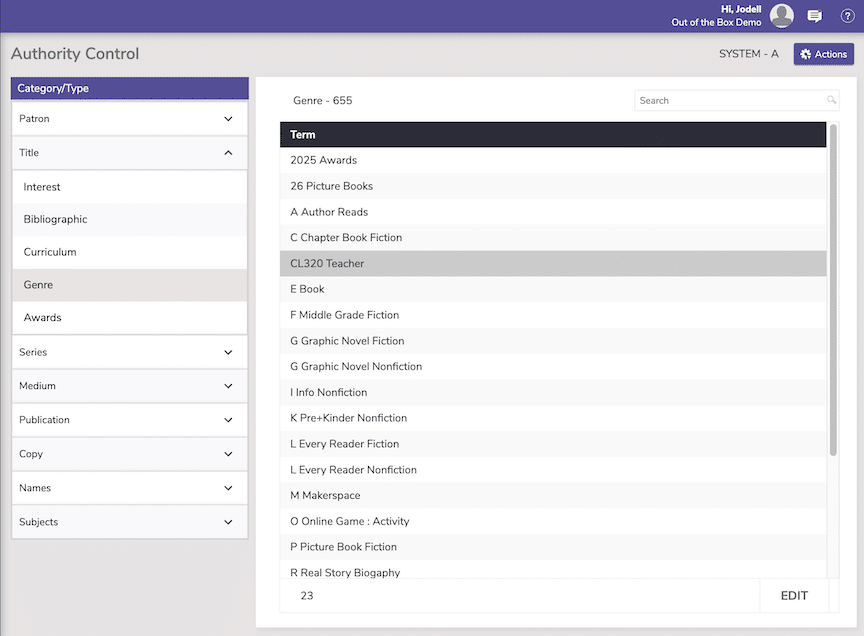
2) Identify it as a class library in the Genre: CL320 Teacher, CL300 Teacher, etc.
3) You can also identify location it in Alex's Locations area.
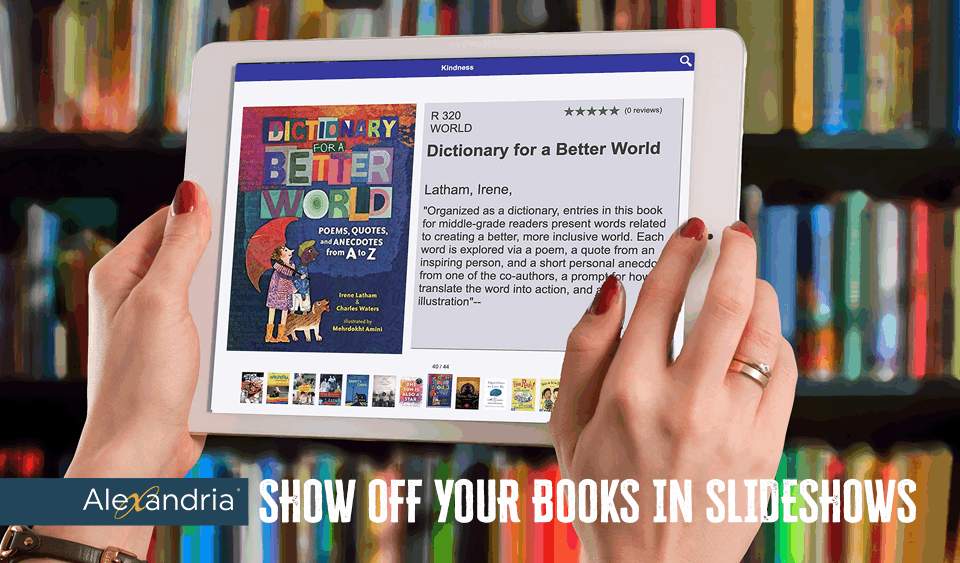
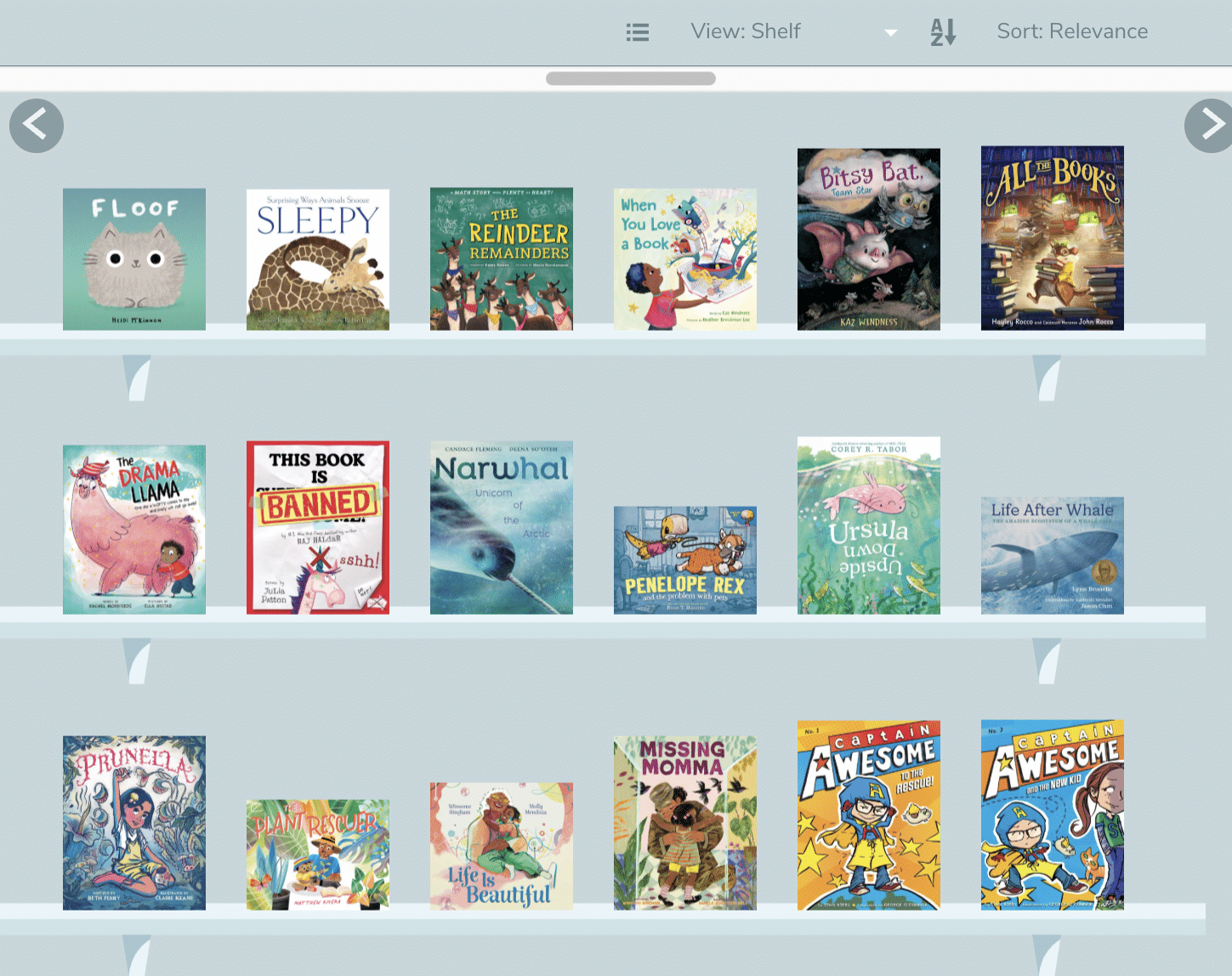
4) This allows you to share your books, send your entire collection in Browse (shown here)
2.
Entering Your Books is a Breeze
Once you decide on your Browse connection (and enter this in Genres), you can add you CL-RM# to your Call Number and treat it like any other import.
3.
In Alex, you may opt create Explore Panes that feature your favorite classroom library books. It's a nice way to showcase them for students.
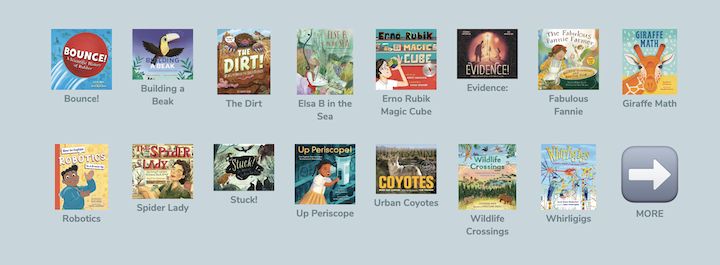
Science teachers might add an Explore Pane and feature titles they want to encourage kids to read. See Example here. This can continue for unlimited panes and link to the checkout for each book.
You can also have. the top row be books and the bottom row be activities that can be added to create dynamic book experiences.
4.
Showcase Your Classrooms in Browse
Browse is ALEX's best kept secret and gift to librarians. You can control what is featured in you browse.
To do this, 1) add you classroom Call Number in GENRE when processing books for that location, 2) go to Authority Control to view results.
5.
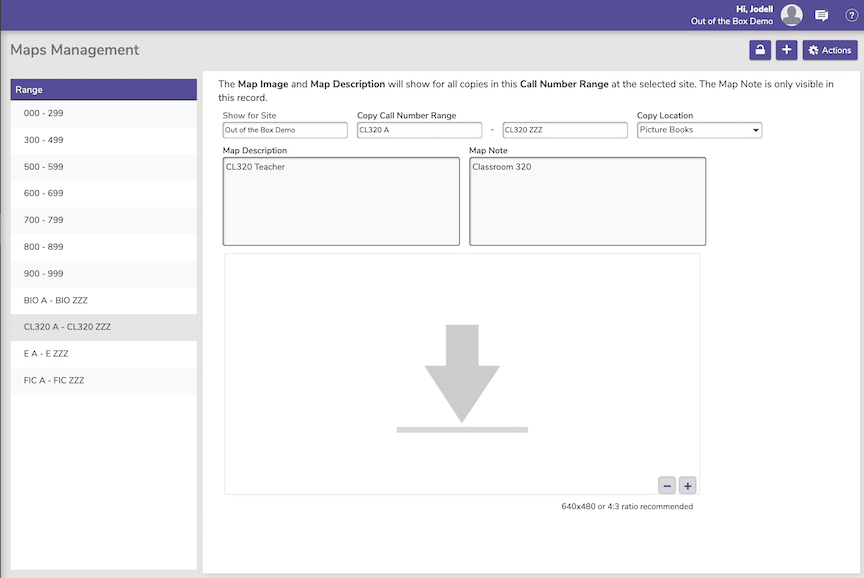
Use Location to Make Clear where Classroom Book Are Located
Edit Book Location in MAPS. Although this is not necessary, it does make it clear the books for Classrooms are outside the library proper.